Documenting here in case I need to do this again someday.
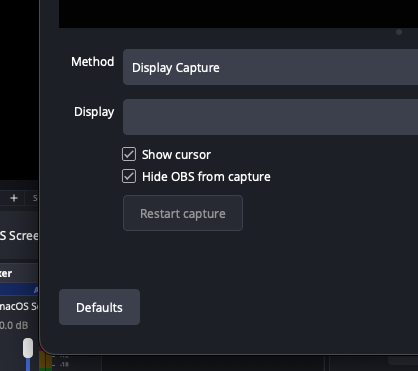
Installed OBS Studio on my MacBook Air. Followed the prompts to give permissions. But when it came time to add a Source for macOS Screen Capture, the dropdown was empty. It seems something went wrong during the permissions and the process was stuck. Oh, also, I was using a CalDigit Hub and that may have interfered too, so unplugged it and followed these steps:
- Exit OBS
- Open a console shell and execute: tccutil reset ScreenCapture com.obsproject.obs-studio
- Open Activity Monitor, search and Force Quit: replayd
- Re-launch OBS and follow the permissions instructions again