These are my notes to help me remember the steps I took to install Claude Code on Ubuntu for use in the Terminal.
Node.js and NPM are required:
sudo apt install nodejs npmIf you get an error that looks like:
Install Claude Code
$ npm install -g @anthropic-ai/claude-code
Possible Error
If you get:
npm ERR! code EACCES
npm ERR! syscall mkdir
npm ERR! path /usr/local/lib/node_modules
npm ERR! errno -13
npm ERR! Error: EACCES: permission denied, mkdir
Tthat’s a “Standard npm global install permissions issue” and you fix it with:
mkdir -p ~/.npm-global
npm config set prefix '~/.npm-global'
echo 'export PATH=~/.npm-global/bin:$PATH' >> ~/.bashrc
source ~/.bashrc
Run Claude Code
In the Terminal, next type: claude
You’ll be asked to Select login method:
- Claude account with subscription · Pro, Max, Team, or Enterprise
- Anthropic Console account · API usage billing
- 3rd-party platform · Amazon Bedrock, Microsoft Foundry, or Vertex AI
I chose 1 because I’m using Pro. It then opened up a new tab in my browser and authenticated because I was already logged in there.
You’ll be asked if you trust the directory you chose to start claude in. Select Yes and let the magic begin:
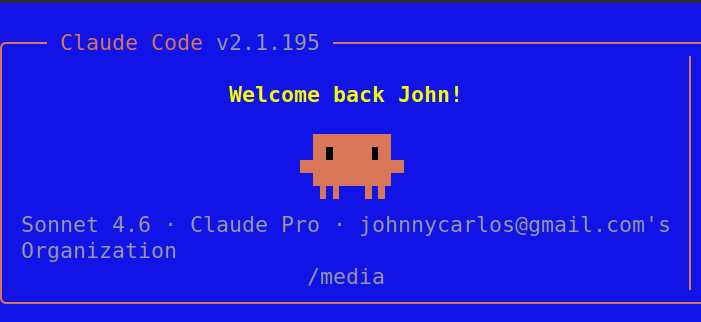
Take a Tour:
Type /powerup
Helpful Commands:
- Just talk to it
/helpshows available commands- Ctrl+C cancels whatever it’s doing
- Ctrl+D or type
exitto quit